
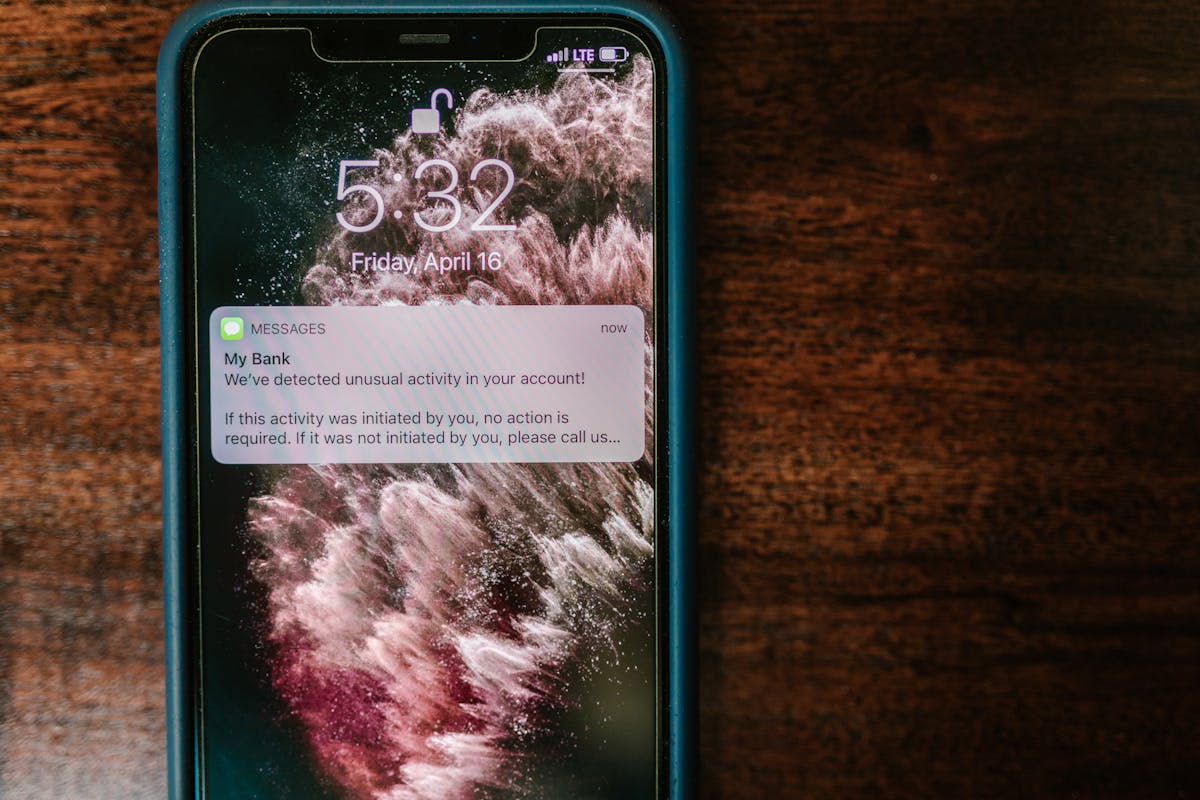
Even the best notification bar won’t perform well if it’s shown at the wrong time or in the wrong place. Timing and placement play a huge role in whether visitors notice your message — or ignore it completely.
In this article, we’ll break down when and where to display notification bars on your WordPress site to get the best results without hurting user experience.
Why Timing and Placement Matter
Notification bars are designed to be visible but unobtrusive. When used correctly, they guide attention. When used poorly, they feel annoying or get tuned out.
The goal is simple: show the right message, to the right visitor, at the right moment.
Top vs Bottom Notification Bars
Most notification bars appear either at the top or bottom of the screen. Each position has its own strengths.
- Top notification bars are the most visible and work well for important announcements, promotions, or site-wide messages.
- Bottom notification bars are more subtle and often perform better for secondary actions like newsletter signups or reminders.
If your message is critical, the top of the page is usually the best choice. For less urgent messages, the bottom can feel less intrusive.
Best Times to Show a Notification Bar
Showing a notification bar immediately on page load isn’t always the best option. In many cases, a slight delay improves engagement.
- After a few seconds on the page
- After scrolling a certain percentage
- When a visitor lands on a key page
This approach ensures visitors have time to orient themselves before being asked to take action.
Which Pages Should Show a Notification Bar?
Not every page needs the same message. Displaying notification bars selectively often leads to better results.
- Homepage: ideal for promotions and announcements
- Blog posts: great for email signup bars
- Product or service pages: effective for limited-time offers
- Checkout pages: usually best left distraction-free
Avoid cluttering pages where focus and conversion are already critical.
How Often Should Visitors See a Notification Bar?
Repeating the same notification bar on every visit can lead to banner blindness. Frequency control is key.
- Hide bars after dismissal
- Limit how often returning visitors see the same message
- Rotate messages instead of repeating one offer
Respecting the visitor’s experience builds trust and improves long-term engagement.
Mobile vs Desktop Placement
Mobile users interact differently than desktop users. Screen space is limited, so placement matters even more.
- Use slimmer bars on mobile
- Avoid covering navigation or important buttons
- Test scroll behavior on smaller screens
A notification bar that works well on desktop should always be tested on mobile before going live.
Final Thoughts
The effectiveness of a notification bar isn’t just about design or copy — it’s about context. Smart timing and thoughtful placement make the difference between a bar that converts and one that gets ignored.
By testing placement, timing, and frequency, you can turn a simple notification bar into a powerful communication tool that enhances, rather than interrupts, the user experience.
Leave a Reply