
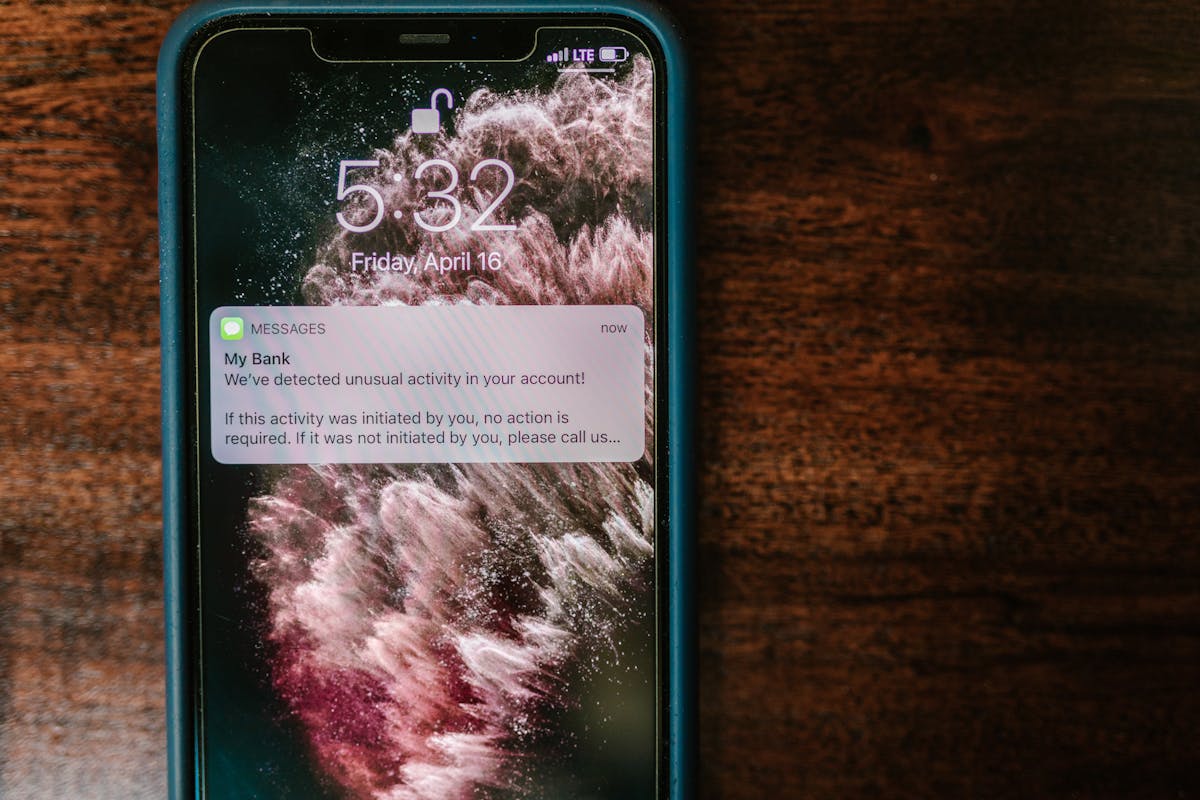
You’ve been there. You visit a website, see that announcement bar at the top, click the X to close it because you’re not interested. Then you click to another page. And there it is again. Same bar. Same message. Same X to click.
You close it again. Navigate to a third page. It comes back. Again.
By the fourth time, you’re not just annoyed — you’re actively angry at the website owner. And you haven’t even read their content yet.
The ‘Zombie Bar’ Problem
Most free notification bar plugins have a dirty secret: they don’t remember when you dismiss them. No cookies. No session storage. Nothing. Every page load is a fresh start, and that bar comes back like a zombie you can’t kill.
From the site owner’s perspective, this seems fine. ‘More chances for them to see my message!’ But here’s what actually happens:
- Visitors get increasingly annoyed with every page they visit
- They start associating your brand with frustration
- They leave faster just to escape the persistent bar
- They remember your site as ‘the one with that annoying banner’
You’re not getting extra conversions. You’re training visitors to hate your site.
Why Plugins Do This (And It’s Not Good)
Here’s the uncomfortable truth: most notification bar plugins could remember when users close them. They just choose not to — unless you pay for the Pro version.
Look at the reviews for popular free notification bar plugins. You’ll see the same complaints over and over:
‘Forced to buy the Pro version if you want to… avoid the bar to appear again and again.’
‘I don’t think this plugin uses cookies… so when you close the bar, it will keep showing on every page.’
‘As always, free versions are very limited.’
It’s a deliberate frustration tactic. They give you a barely-functional free plugin, wait for you to get complaints from your visitors, then charge you to fix a problem they created.
The Real Cost of Ignoring Dismissals
Sure, you might think ‘it’s just a small bar, how bad can it be?’ But small annoyances compound.
A visitor who closes your bar is telling you something: ‘Not interested right now.’ Ignoring that signal and showing it again (and again, and again) tells them you don’t care about their preferences.
In a world where attention is the scarcest resource, respecting your visitors’ choices isn’t just polite — it’s smart business. The site that remembers ‘they already said no’ builds more trust than the site that keeps asking.
The Fix: Respect the Close Button
You need a notification bar that actually listens when visitors dismiss it. One that remembers their choice — not for five minutes, but for days or weeks. And you shouldn’t have to upgrade to Pro for basic UX decency.
TopBuddy handles this properly out of the box:
- Cookie-based dismissal: When a visitor closes your bar, it stays closed
- Configurable duration: You choose how long to respect that dismissal (a day, a week, a month)
- Optional recall: Decide if/when the bar should reappear for returning visitors
- All included free: This isn’t a ‘Pro feature’ — it’s basic functionality
Your visitors close the bar because they’re not interested right now. TopBuddy remembers that. They can browse your site in peace, and when they come back next week, you can decide whether to show them a fresh message or let the old one stay hidden.
That’s how you build trust. That’s how you keep visitors around.
Get TopBuddy free from WordPress.org and stop torturing your visitors with zombie notification bars. Or upgrade to Pro for advanced targeting, multiple bars, and priority support — but never because we held basic UX hostage.
Your visitors clicked X for a reason. Respect it.
P.S. Once you have mastered cookie-based dismissal, learn how to show different messages to logged-in vs logged-out users for even smarter targeting.
Leave a Reply